A little Aural Iris™, everywhere.
Make room for a little calm.
Wallpapers for your phone, Fold, desktop and Apple Watch, a live wallpaper, video-call backgrounds, icons, tones and a brand kit, in gold, ink and paper.
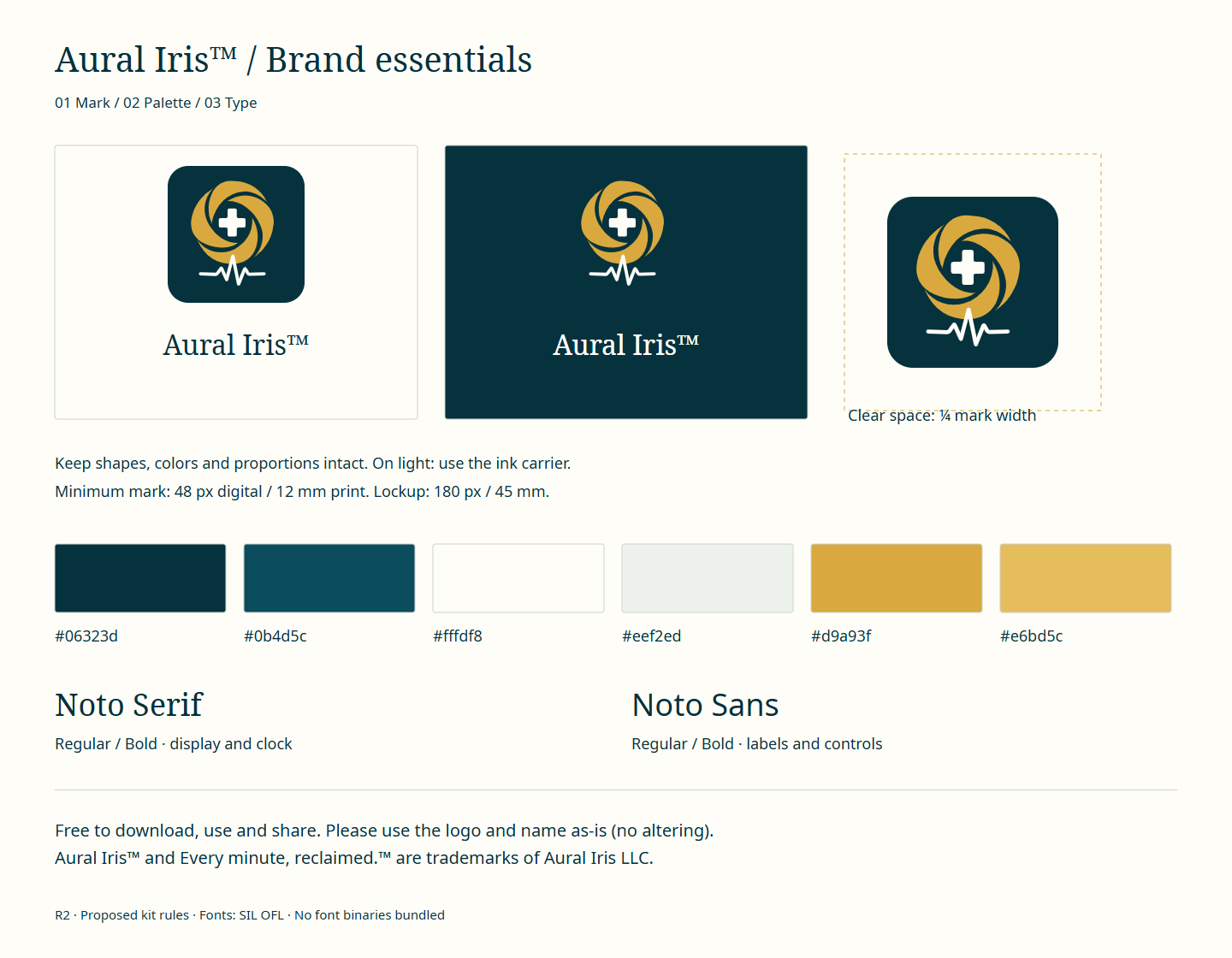
Free to download, use and share. Please use the logo and name as-is (no altering). Aural Iris™ and Every minute, reclaimed.™ are trademarks of Aural Iris LLC.
01Phone wallpapers
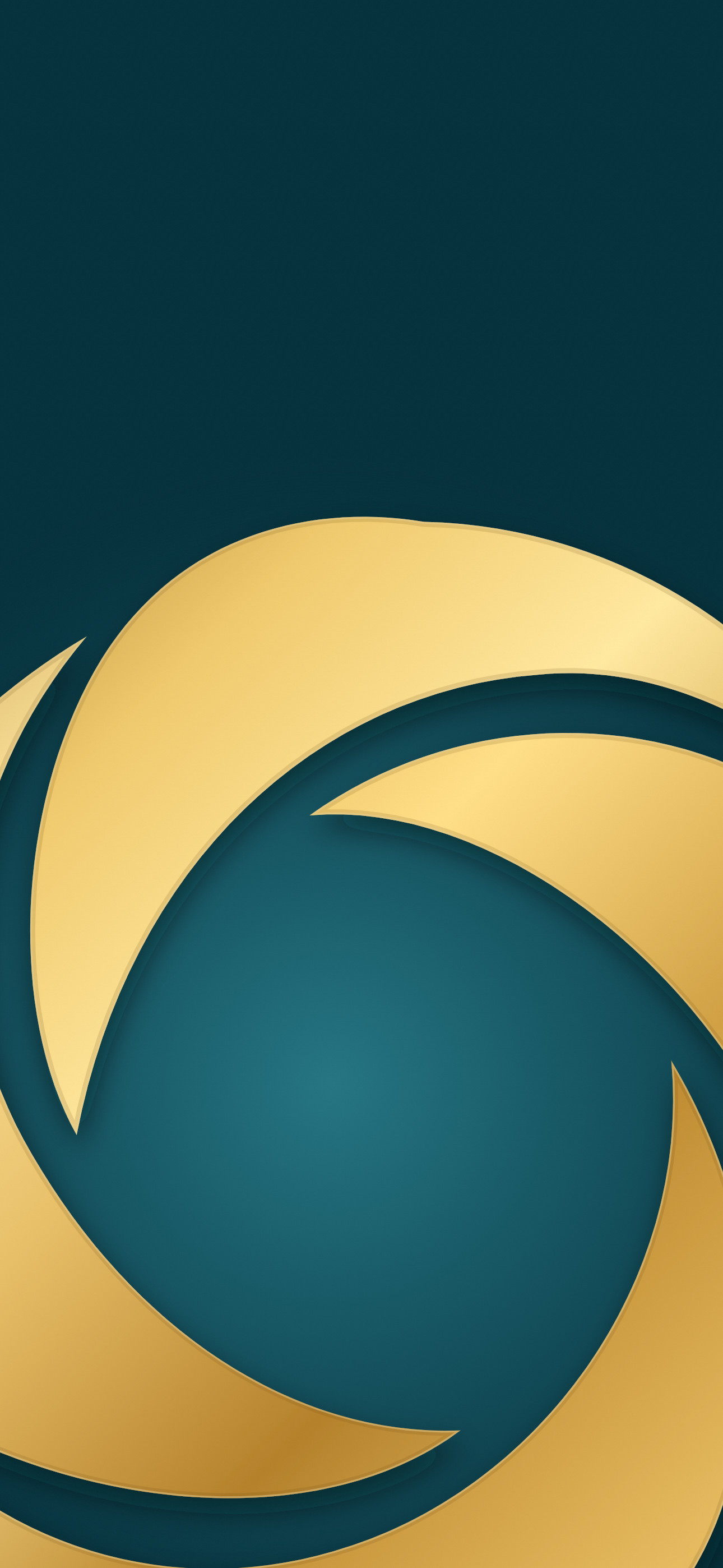
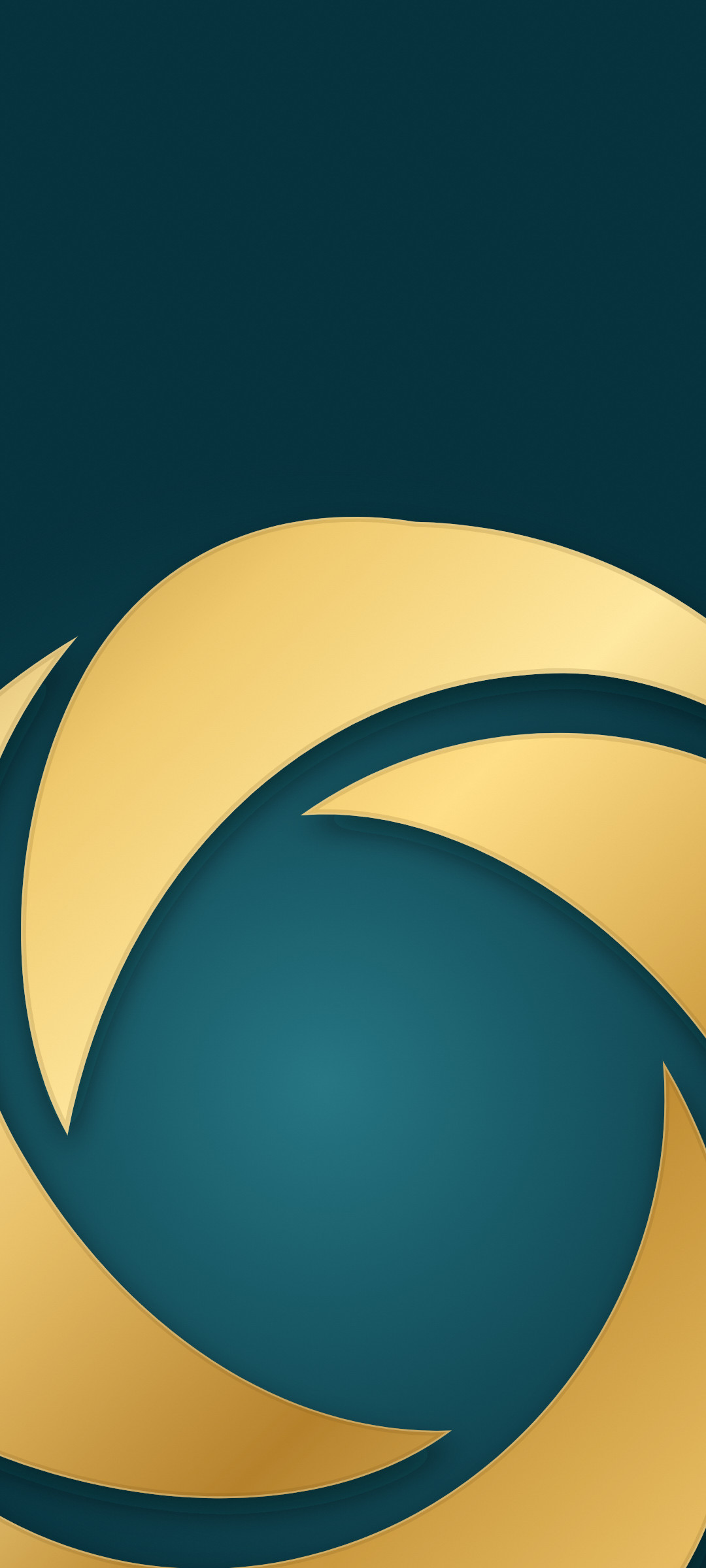
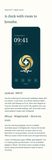
The top third stays quiet so your lock-screen clock sits cleanly. Raised-mark versions place the artwork higher on the wallpaper.
02Live wallpaper
Give your lock screen a subtle gold animation. Silent, eight-second video.
Samsung Galaxy: save the video, then Settings → Wallpaper and style → Change wallpapers → Gallery, choose the video and set it for the lock screen (Samsung plays video wallpapers on the lock screen).
iPhone (iOS 17 or later): save the video, then use a converter app that supports iOS 17+ Live Photo wallpapers. Convert a short segment, then open Settings → Wallpaper → Add New Wallpaper → Live Photo and select it. Turn on the play button, then tap Add. Animation plays when you wake your phone; it does not continuously loop.
03Desktop wallpapers
04Video-call backgrounds
For Zoom and Microsoft Teams. The middle stays calm behind you. Your own preview may look mirrored; others see it the right way round.
05Chat wallpapers
Quiet enough to keep every message easy to read.




06Apple Watch wallpapers
For the Photos face: save the image to Photos on your iPhone. In the Watch app, open Face Gallery → Photos, select the image, and tap Add.









07Tones and ringtone
Original sounds made for Aural Iris™.
Samsung Galaxy: for a ringtone, save the WAV, then open Settings → Sounds and vibration → Ringtone → + and select it. For notifications, use My Files to copy the WAV into Internal storage → Notifications, then select it under Settings → Sounds and vibration → Notification sound. Other Android phones may differ.
iPhone: save the WAV to Files. In GarageBand, open an Audio Recorder project, switch to Tracks, and import the WAV using Loops → Files. Return to My Songs, touch and hold the project, then choose Share → Ringtone → Export. Choose Use sound as to set it as your ringtone or text tone.
08Icons and clock style
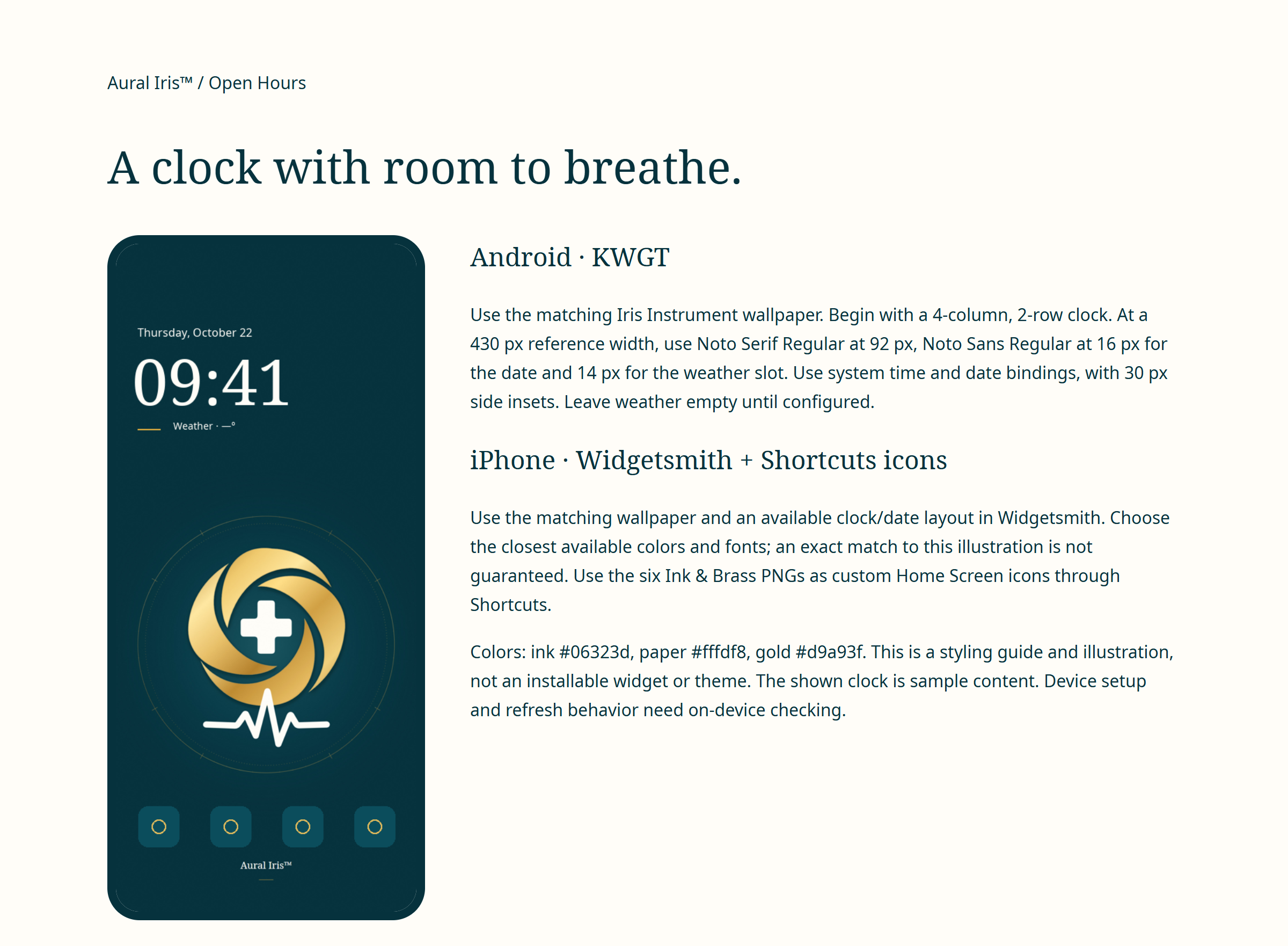
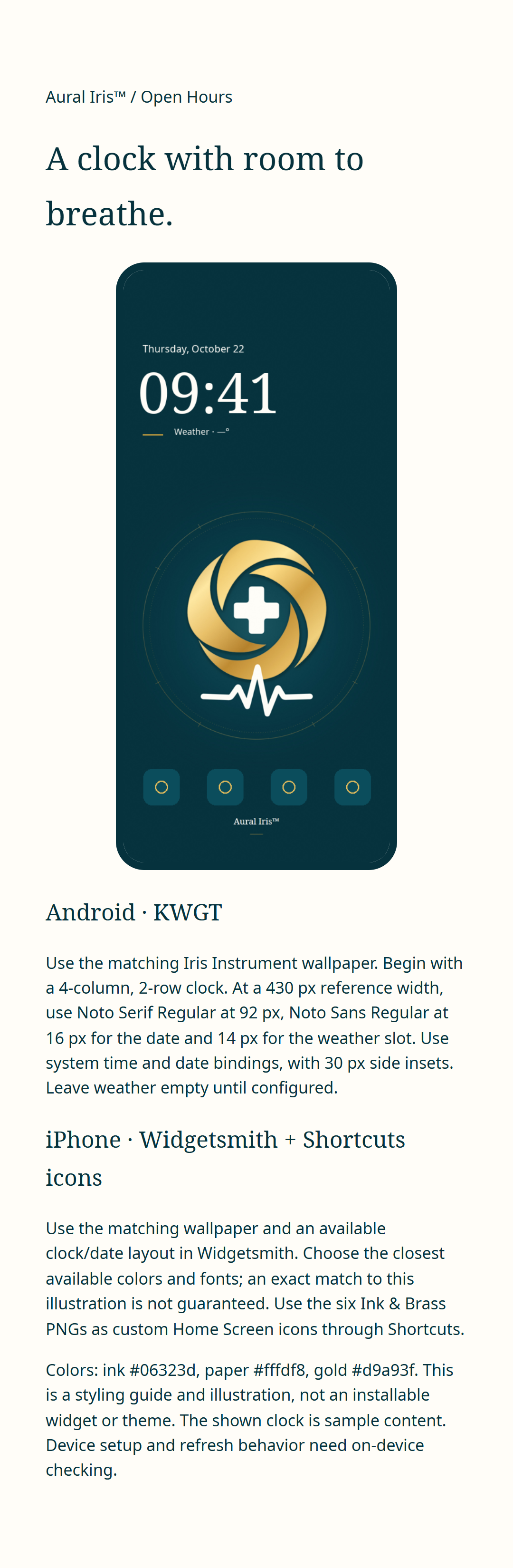
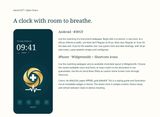
Ink and brass icons for iPhone Shortcuts or an Android launcher that supports custom icons. The downloadable clock styling reference covers KWGT on Android and Widgetsmith on iPhone; Shortcuts is used for custom app icons. Download the PNG and zoom in to read the instructions.


09Share images



10Brand kit
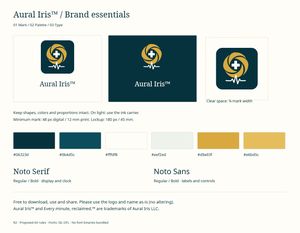
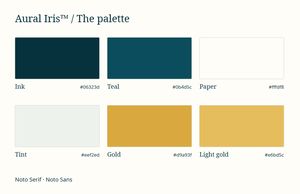
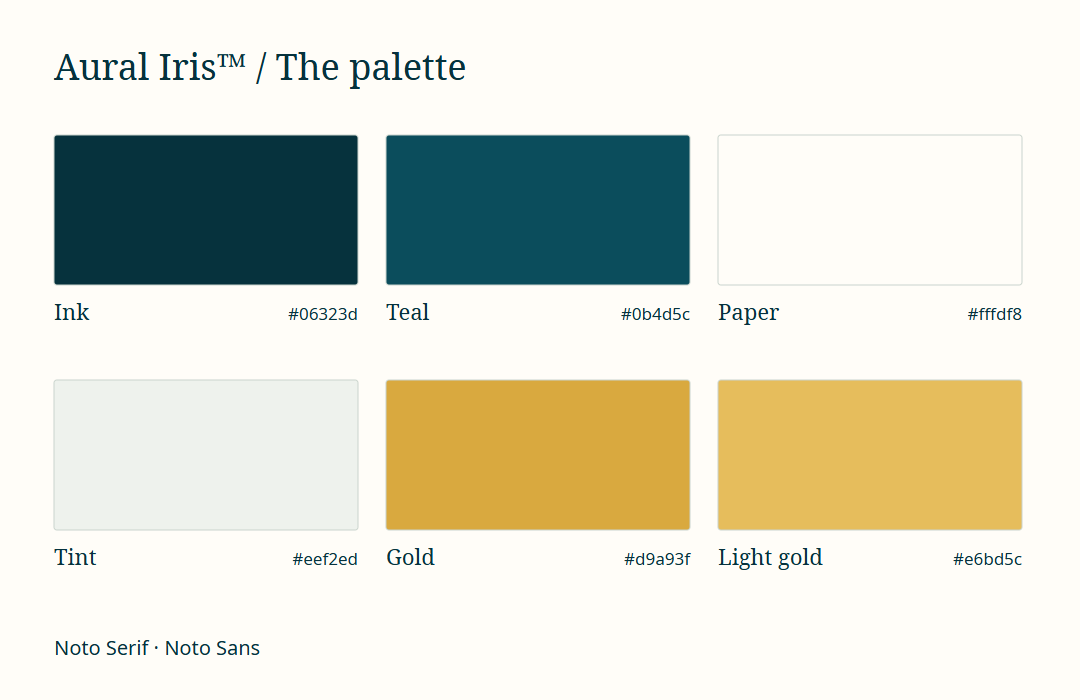
The logo on dark, on paper and on a transparent background, the mark as SVG, the colors and a one-page guide.